The Complete Python Automation Course
This complete course teaches you how to use Python to automate Excel reports, send emails, scrape websites, automate GUI applications and build complete workflows, so you can save hours and focus on what actually matters.
Launch Discount ($12 instead of $334)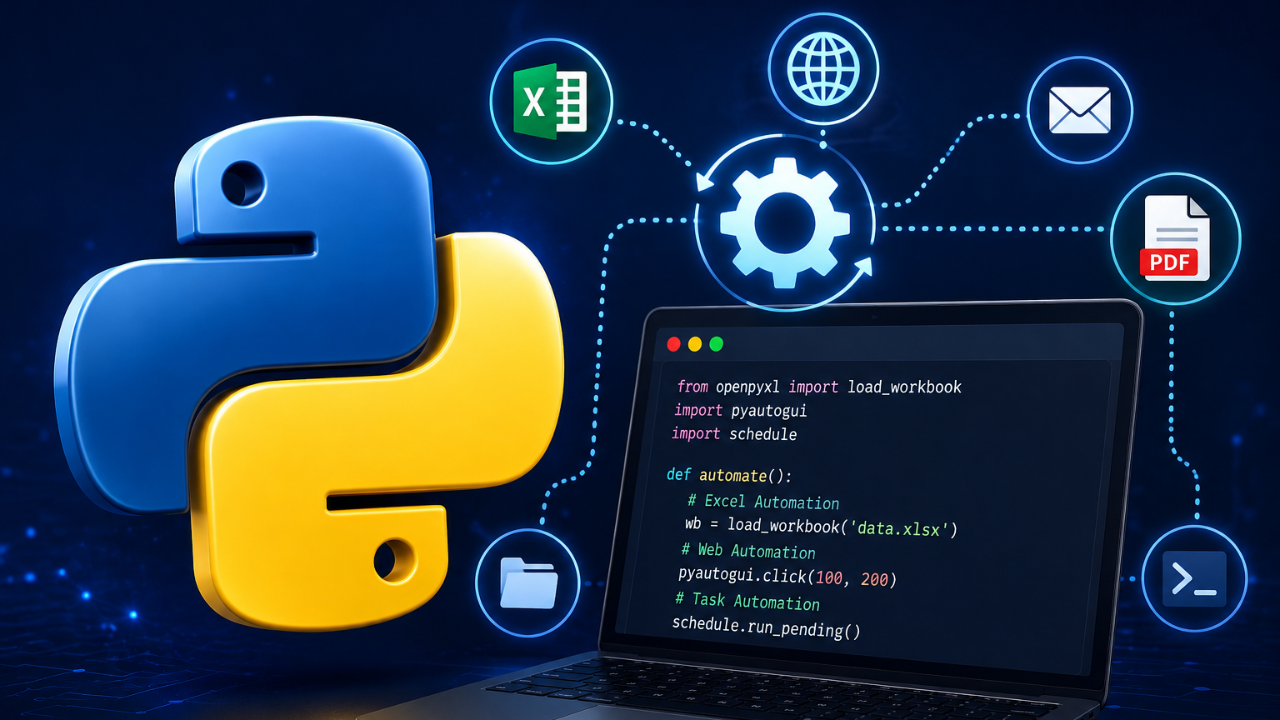
The Complete Python Automation Course
-
Environment Setup
3 lessons- Installing Python
- Installing Jupyter Notebook
- Installing PyCharm
-
Python Basics
18 lessons- Creating a Jupyter Notebook
- Indentation in Python
- Variables
- Lists
- Loops
- Flow Control
- Python Operators
- Functions
- Reading from Files
- Writing to Files
- Handling User Input
- Type Conversion
- Strings
- Floats
- Tuples
- Compiling and Running Python Scripts
- Project: Todo List
- Python Basics Quiz
-
Excel Documents Automation
6 lessons- Reading Excel Files via “openpyxl”
- Reading Excel Files via "pandas”
- Writing & Updating Excel Data
- Formatting Excel (styles, colors, fonts)
- Automating Reports (summaries, totals)
- Excel Automation Quiz
-
PDF Documents Automation
3 lessons- Reading Data from PDFs
- Merging Multiple PDFs
- Generating PDF Reports from Data
-
Web Automation
5 lessons- Browser Control with Selenium
- Finding Elements
- Interacting with Elements
- Scraping Data from Pages
- Downloading Files
-
File & Folder Automation
3 lessons- Creating, Moving & Deleting Files
- Monitoring Folders
- Zipping & Unzipping Files
-
Email Automation
3 lessons- Sending Emails with SMTP
- Reading Emails with IMAP
- Scheduled Email Reports
-
GUI Automation
2 lessons- Desktop Automation with PyAutoGUI
- Window & Application Control
-
Capstone Project: Personal Finance Reported
5 lessons- Project Folder Structure
- Reading & Summarizing the Data
- Generating the PDF Report
- Emailing the Report to Yourself
- Testing the Project
Automate Excel
Work with PDFs Programmatically
Control Websites & Scrape Data

Automate Files & Folders
Email Automation Systems
GUI Automation
APIs & AI Automation